
Integration with Muqeem Platform - Indirect API Integration
Prerequisite: ensure that your organization has an active subscription to Muqeem platform
In order to start managing Muqeem services through JISR, follow the below steps to activate the integration for your organization.
Note: this integration is available for all Muqeem packages.
1- Log in to your organization account on Muqeem platform
From the user list screen, select the following
Organization Management → Organization Information → Points and Packages
Then click on Add New Subscription button as shown in the below screenshot:
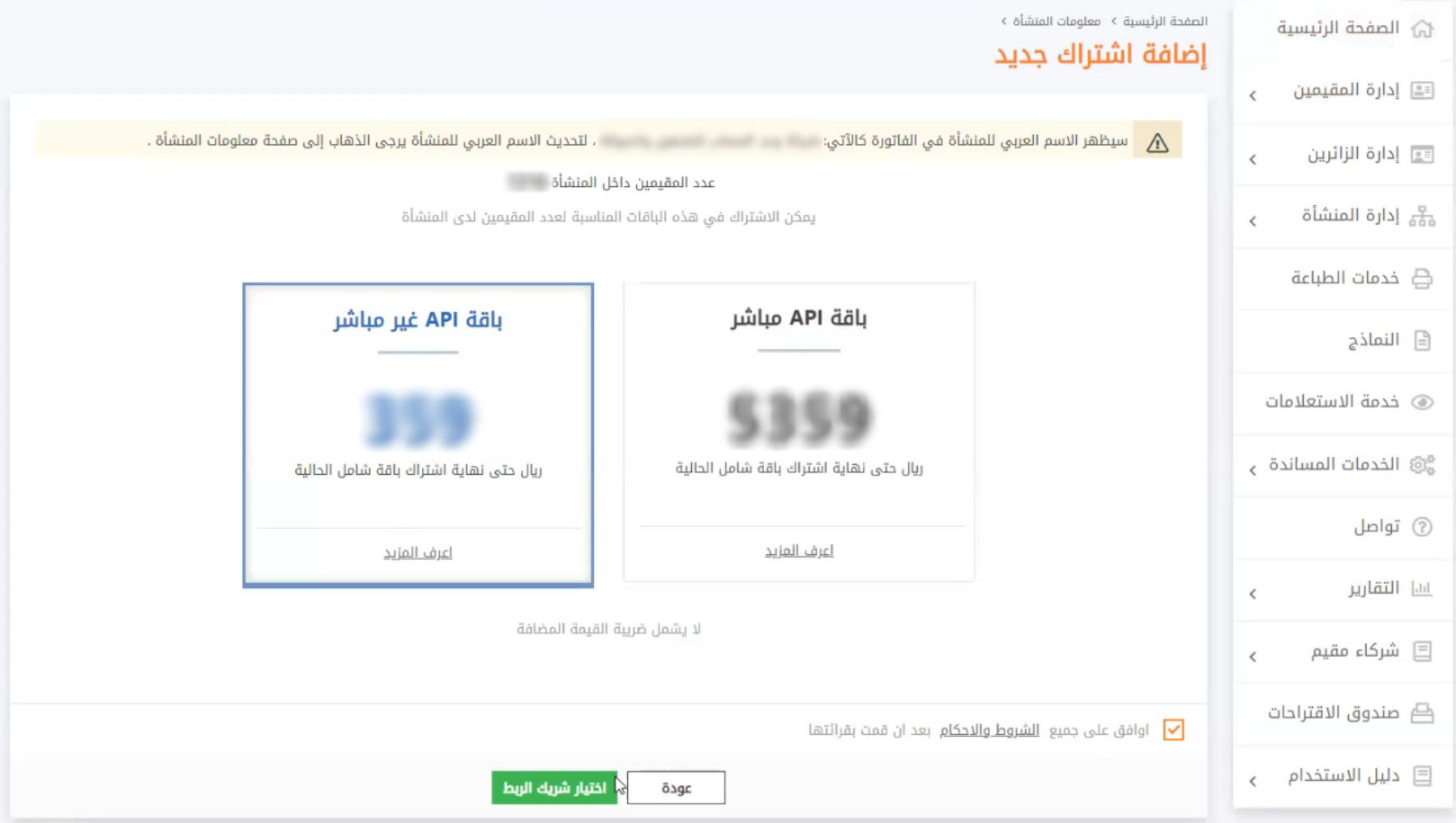
2- You may go through different API subscription options that are available for your organization. Select "Indirect API Package"
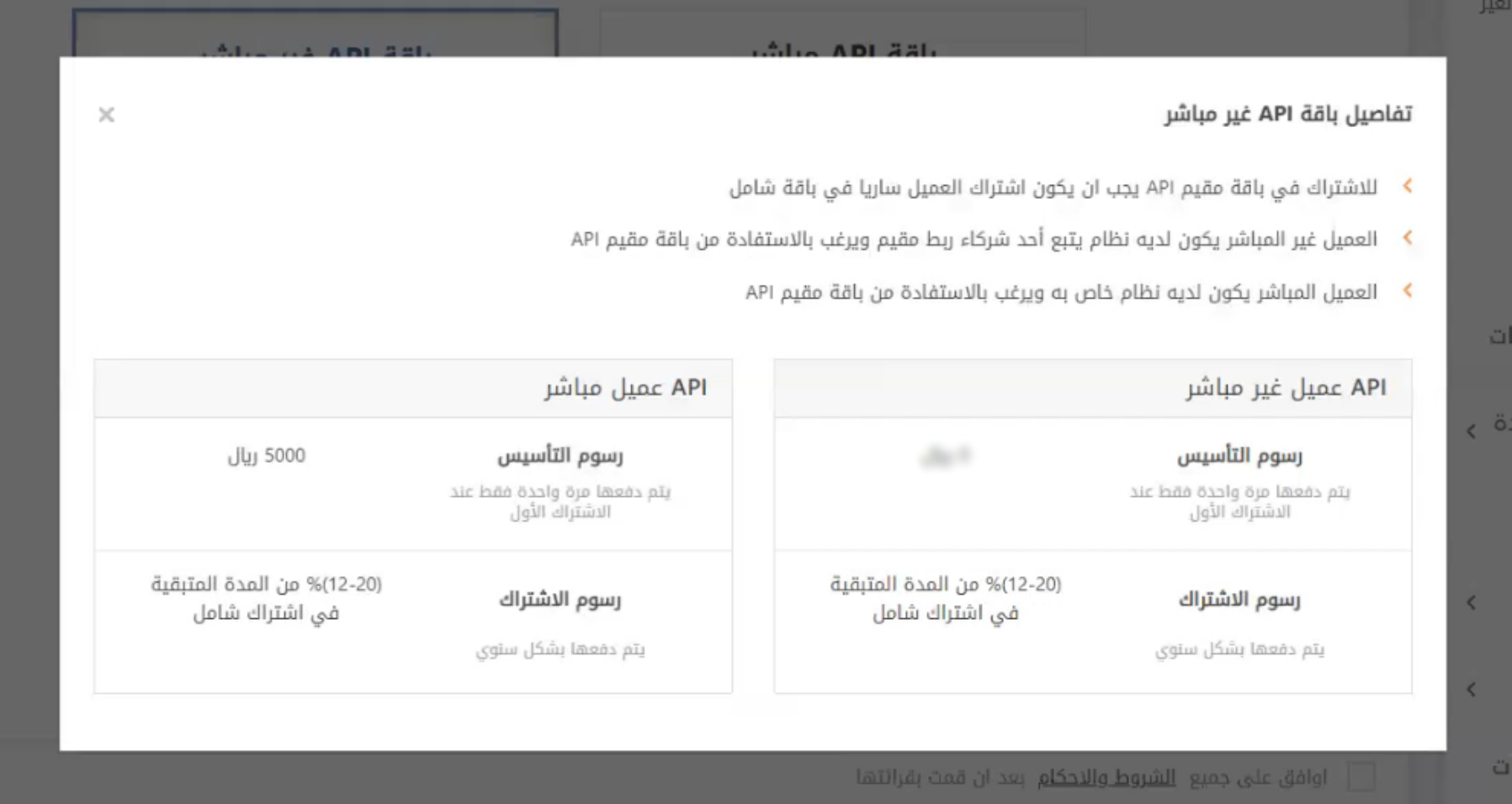
For more details on the subscription fees for this package, click on " Learn More" button as shown in the below screenshot:
All subscription details would be displayed for you as shown below, where you can note the following:
- No setup fees are required (at first time subscription)
- Integration cost in Muqeem is 12-20% of the subscription amount (according to remaining subscription period)
Note: integration is free from Jisr's side
3- Ensure to read all terms and conditions of this subscription. Then, check the "Agree" box
After that, click on "Selecting the integration partner" button
4- From the integration partners' dropdown list, select JISR; then, click on "Subscribe" button
5- Upon receiving the below success message, your subscription request will be sent to JISR technical support team in order to be reviewed and approved
The above process may require (1_2) business days to have the request approved and ensure that your integration with Muqeem is activated
Upon approval on your subscription request, Muqeem will issue and invoice with the required amount, and send a confirmation mail to you
To check the status of your indirect API integration subscription, you need to go to Muqeem platform Main page, and follow the below steps:
Organization Management→ Organization Information→ Points and Packages
The initial activation status will be as per the below screenshot: Pending payment. Once the payment has been verified, the status of your subscription shall change to Valid.

To check all details in terms of the required fees, click on "Show price" button:
Comments
0 comments
Please sign in to leave a comment.